Command An Army Codes Not Working — Fixes
Direct answerA code that was just active almost always fails for one of four reasons: it was typed with a mistake (D0ggy103 uses the digit 0), it was already redeemed on your account, the opening tutorial is not finished, or you are in a different army game. Walk the checklist below in order before assuming the code expired.
1. Check how you typed it
- Codes are case-sensitive — keep the exact uppercase and lowercase letters.
- No spaces before or after — pasting from a page can bring a hidden space; delete and retype if unsure.
- D0ggy103 is the most misspelled code: the second character is the digit 0 (zero), not the letter O. Doggy103 or D0ggy1O3 will fail.
2. Was it already redeemed on your account?
Each code works once per account. If you (or someone on the same account) redeemed it earlier, the game rejects the duplicate. Codes do not stack on a second use.
3. Is the tutorial finished?
The Codes button only appears after the opening tutorial. If you cannot even open the redemption window, finish the tutorial first — a code entered before it is ready has no window to go into.
4. Are you in the right game?
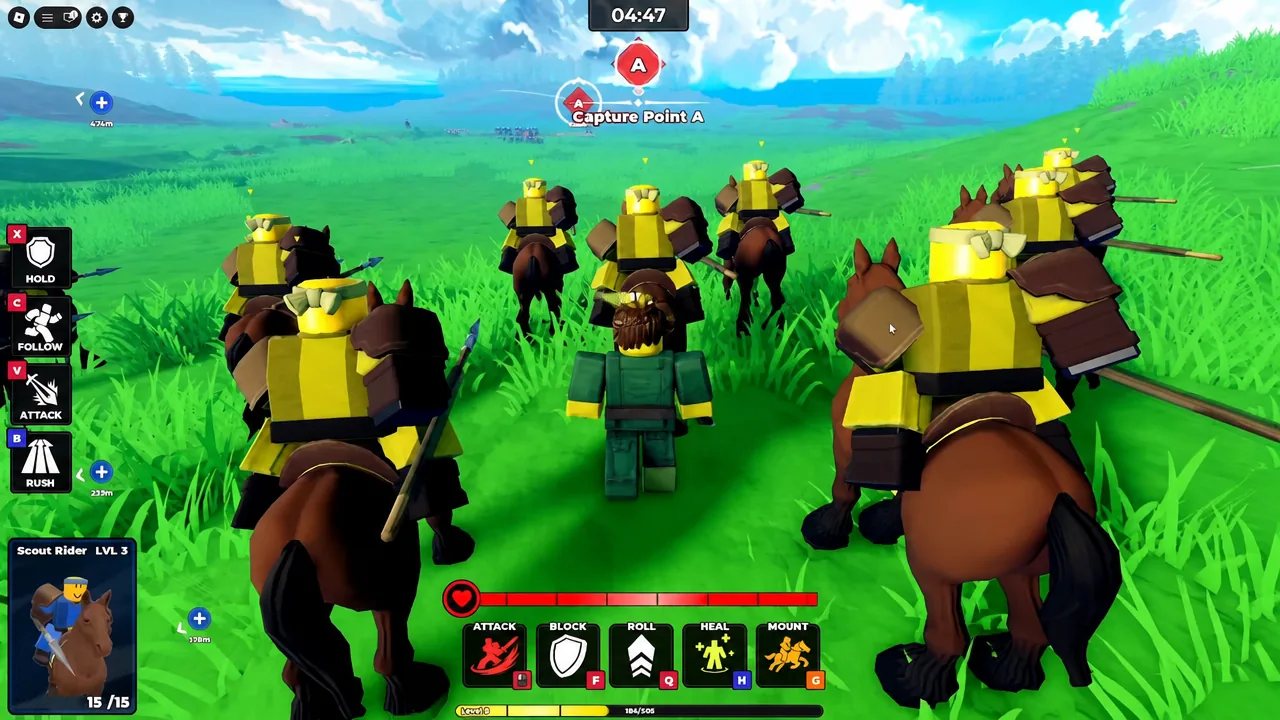
Several Roblox army games have similar names — Build an Army, Control Army and Roll an Army are different experiences. Codes from one will not work in another. Check the experience page title: Command An Army by developer Fight, Fight, Fight!.
5. Could it have expired since the last check?
Promotional codes can expire without warning. None of the six codes on our active list were reported expired as of 2026-09-09, but a code that stops working right after an update may simply be gone. Re-check the codes page for the newest list before moving on.
Still stuck? Run the checklist
- Copy-paste the code from the codes page instead of typing it.
- Delete any spaces the paste may have brought — retype the code once if unsure.
- Confirm the experience is Command An Army by Fight, Fight, Fight!.
- Close and reopen the game so the lobby reloads, then try again.
- If it still fails, the code may have expired since the last check — the codes page carries the newest verified date.
We only list causes with current evidence. Things like region locks, account-age blocks or VPN bans are not documented for this game, so we do not repeat them as fixes.